Turn screen time into learning time.
Quiz-gated screen-time for Android families — set up by parents on the web.
See how it works
A short quiz turns each unlock into a learning moment.
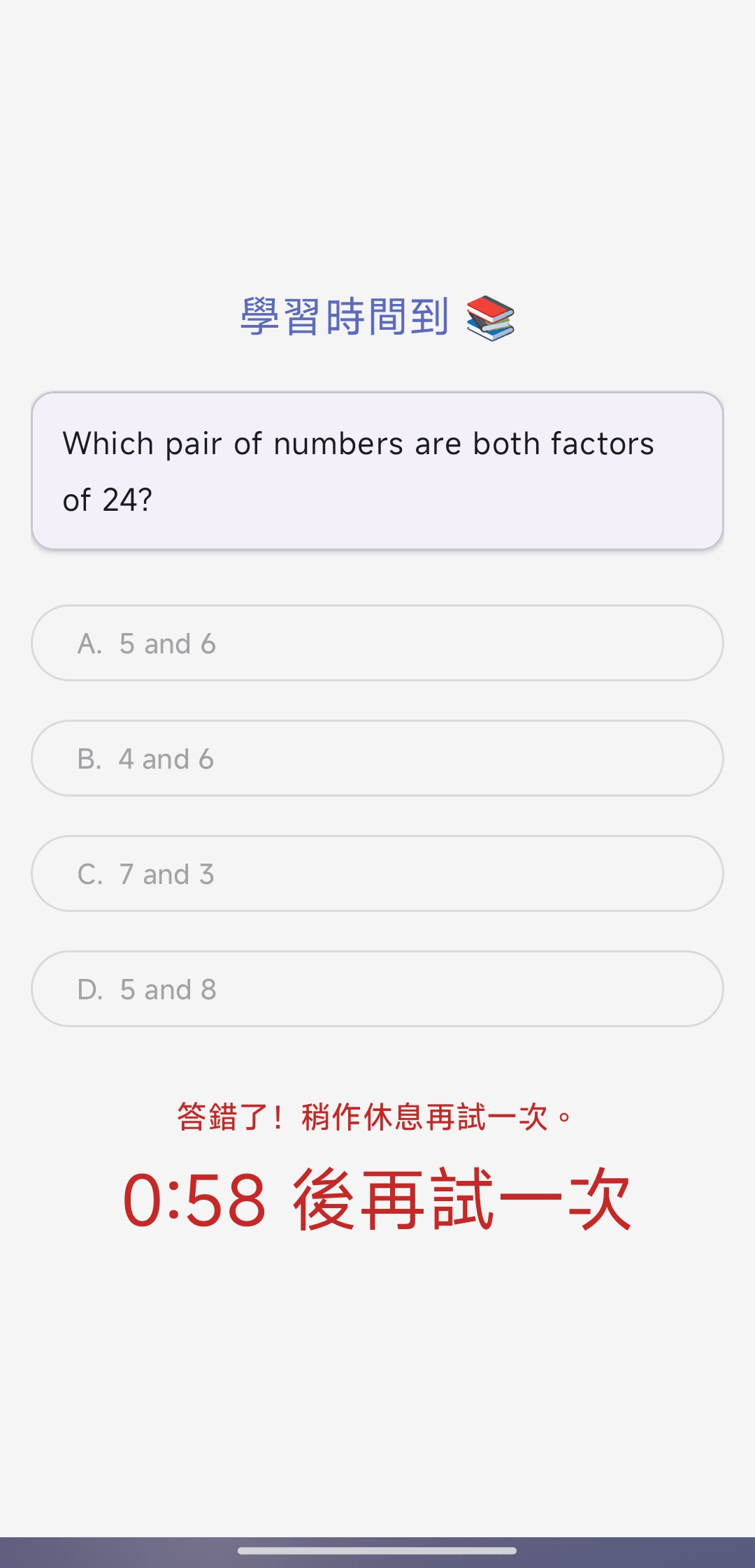
Daily math practice 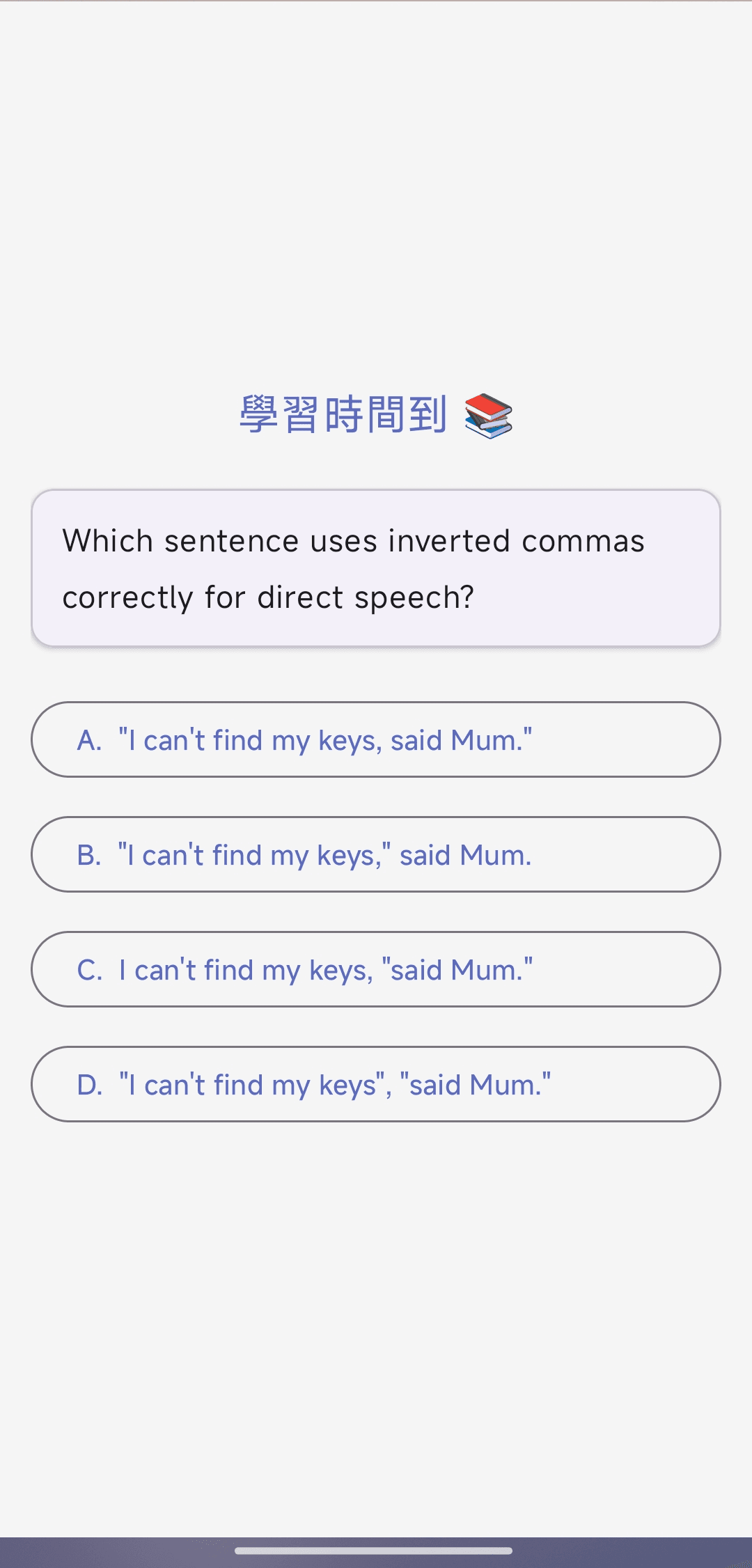
Bilingual question bank 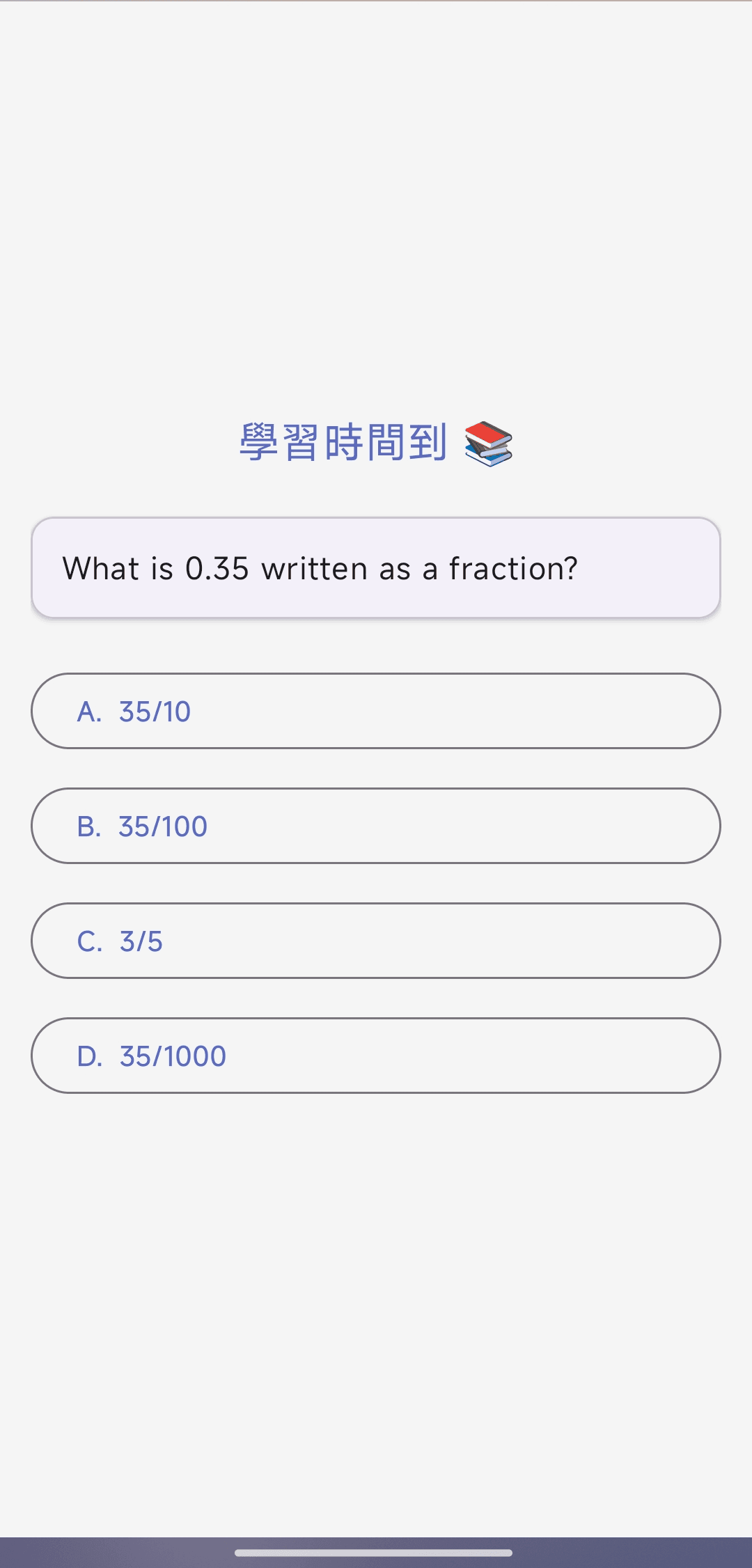
Gentle retry — never a punishment
What is KidGuard?
KidGuard is a quiz-gated screen-time app for Android families. Rather than blocking the device outright, it asks the child a short series of age-appropriate questions before unlocking the device. Parents in the United Kingdom and Hong Kong use KidGuard to keep daily screen use bounded while turning idle phone moments into a few minutes of practice.
Parents configure everything — question subjects, daily limits, night-time lockouts, weekend rules, custom question packs — from this web portal. The Android app on the child's phone follows those rules and reports back so parents can see what has been answered and how the device is being used.
We are designed for families with school-age children (roughly 6–16). KidGuard is paid for and operated by the parent; it is not marketed to children and the child-side app contains no purchases, advertising, or third-party content.
How it works
- Step 1
Install the Android app
Install KidGuard on the child's Android phone or tablet from Google Play.
- Step 2
Pair via the web portal
Create a parent account at kidguard.family, scan the pairing code, and link the device to your child's profile.
- Step 3
Set rules and review progress
Set subjects, daily limits, and schedules from the portal. Review answer stats and lock the phone remotely whenever you need to.
What you get
Every family starts free. Upgrade to Premium for custom questions, schedules, and multi-device families.
Premium pricing
Prices shown in pound sterling (GBP). All plans renew automatically until cancelled. Pricing in Hong Kong dollars is shown at checkout for visitors in Hong Kong.
Credits pack
£0.99 for 5 credits. Use credits to extend a child's screen-time for a single session — handy for occasional one-off allowances without changing your subscription. Credits are non-refundable once consumed.
Frequently asked questions
- Which platforms are supported?
- KidGuard runs on Android phones and tablets only. iOS is not currently supported and is not on our short-term roadmap due to platform restrictions on background screen control.
- How does payment work?
- All subscriptions and credits packs are purchased and managed via this web parent portal at kidguard.family. The Android app contains no in-app purchases and does not collect payment information.
- Can I cancel anytime?
- Yes. Cancelling stops the next renewal. Your premium features remain active until the end of the paid period — there is no mid-cycle refund.
- What languages are supported?
- The parent portal and the Android app are available in English and Traditional Chinese (Hong Kong / Taiwan).
- Where do I download the app?
- KidGuard is in final pre-launch. You can create an account now; paid plans begin only once your device is paired and active, and we email you the moment the Android app is live on Google Play.